


You can shop online just like you would with a physical bank card with using your Freebnk Virtual Card. Your Freebnk Visa virtual card is accepted anywhere Visa is accepted — whether you’re buying from international e-commerce sites or local online stores, you can enjoy a smooth and secure payment experience.
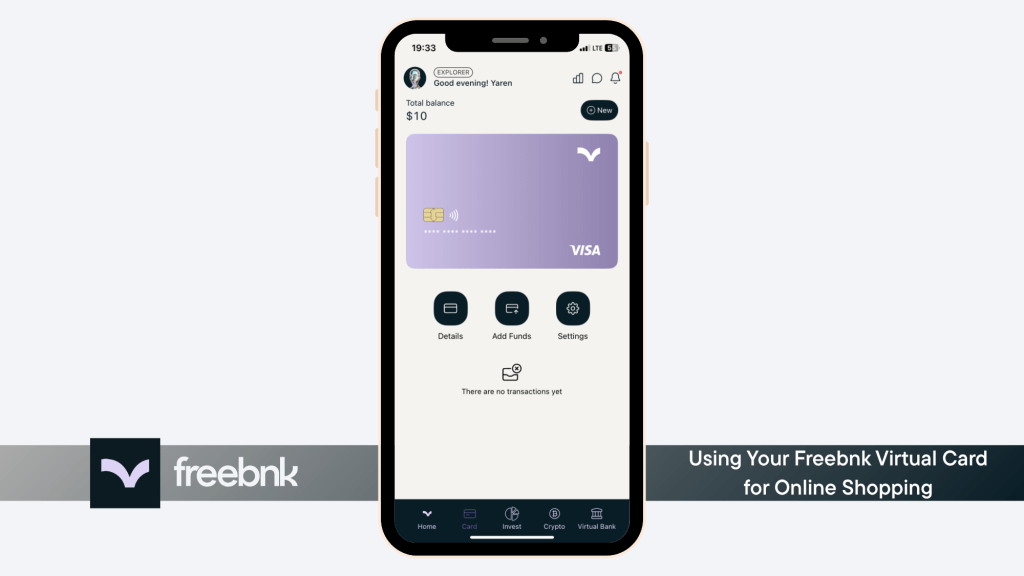
Steps to view your card details #
- 1. Go to the Card and tap on the “Details” button.
- 2. Enter your card PIN.
- 3. View your card details and easily copy them when needed.


📝 Note: This card PIN is not the same as the password you use to log in to the Freebnk app. It’s the PIN you created specifically when ordering your card — just like the one you’d use at an ATM.
⚠️ Please note: While your Freebnk card is accepted like a credit card during checkout, it is actually a prepaid debit card.
You can spend your card balance freely for purchases, but you won’t be able to withdraw cash from it. As long as your balance is topped up, you can use your card anywhere Visa is accepted online.


