


Table of Contents
You can deactivate your account and reactivate it anytime without losing any of your data.
Steps #
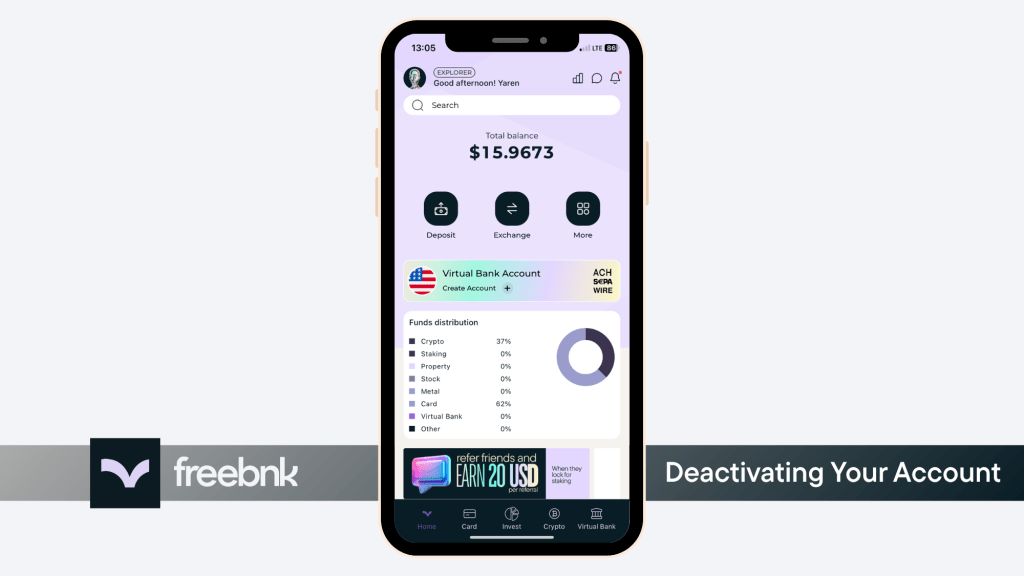
- 1. Tap your profile icon in the top-right corner.
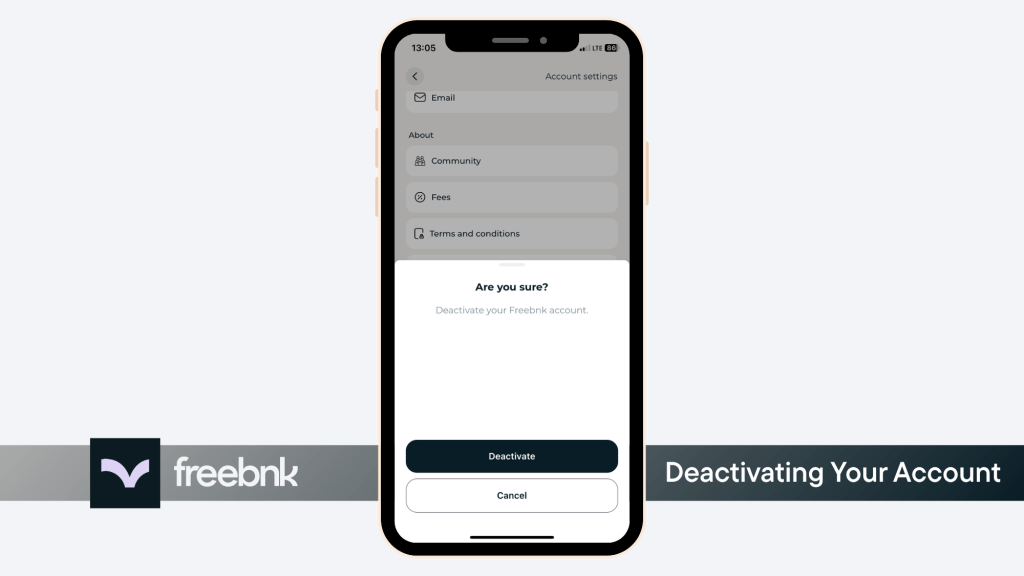
- 2. Scroll down to the bottom of the page and tap Deactivate Your Account under the Account section.
- 3. Tap Deactivate to temporarily disable your account.

You can easily reactivate your account at any time simply by logging back in. Your access and settings will be instantly restored.