


Table of Contents
Log in to your Freebnk account quickly and securely using your fingerprint or face recognition.
Steps #
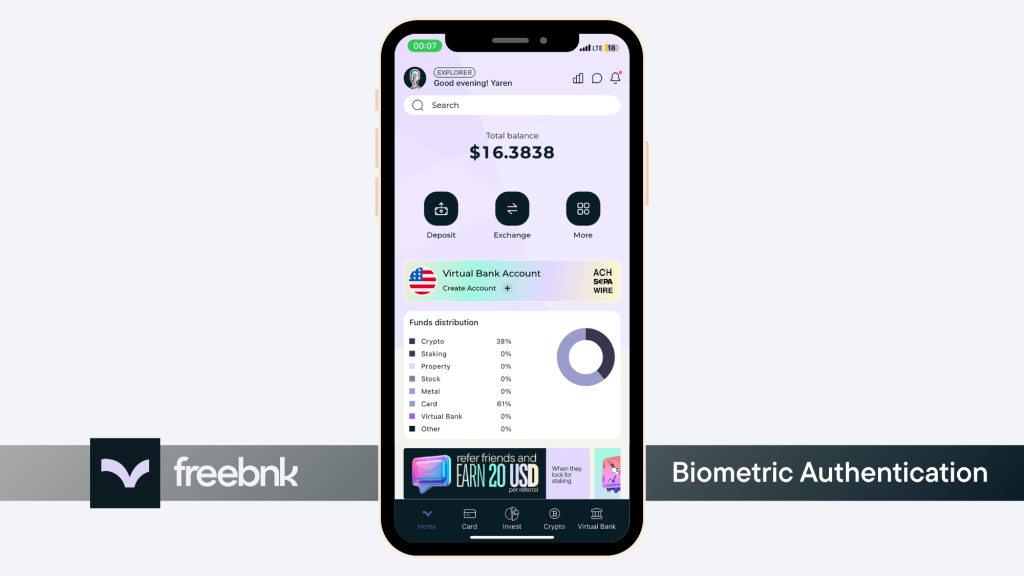
- 1.Tap your profile icon in the top-right corner of the home screen.
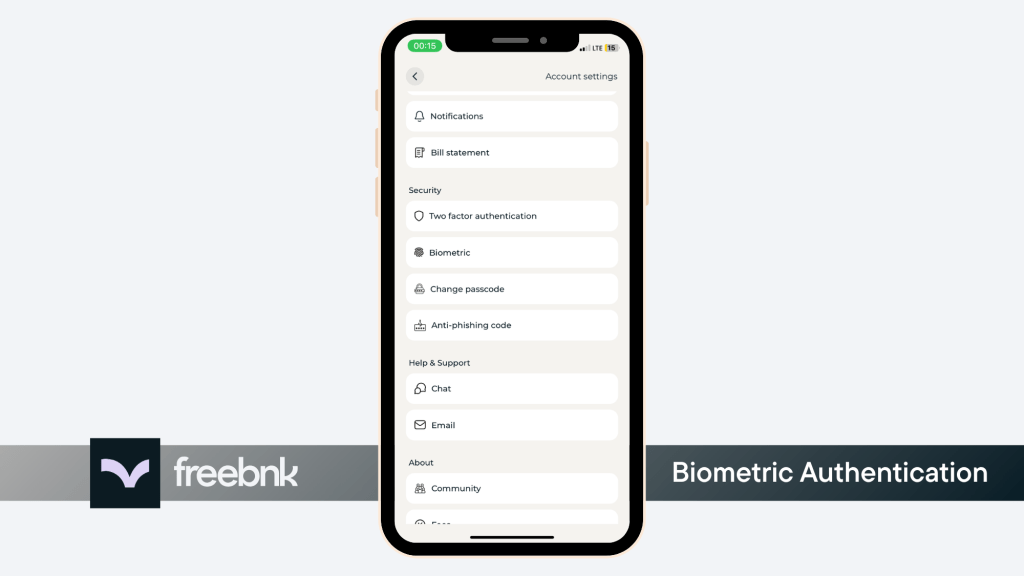
- 2.Scroll down and tap Biometric Under Security Section
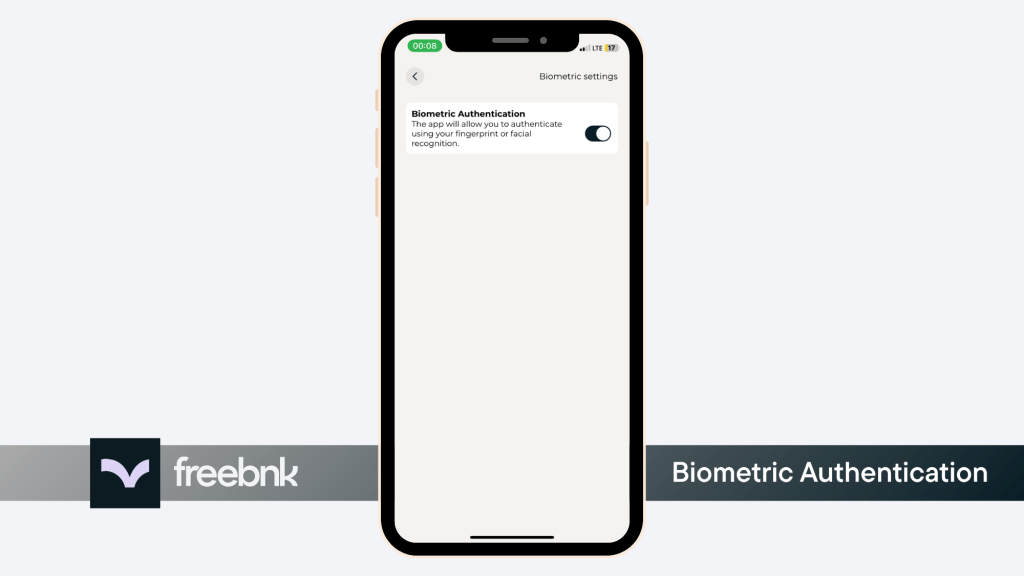
- 3.Turn on Biometric Authenticaiton
Biometric Authentication is optional but highly recommended for faster and more secure access.