


Table of Contents
Anti-phishing codes are an extra security measure that will allow you to understand that the emails we send you come from us. By setting this unique code that you will specify here, you will be sure that the emails you receive from us are safe and verified. Thanks to this feature, you will not be able to fall into the traps of malicious people trying to infiltrate the mail network by pretending to be us. It adds an extra layer of trust to your communication.
Steps #
- 1. Tap your profile icon in the top-right corner of the home screen.
-
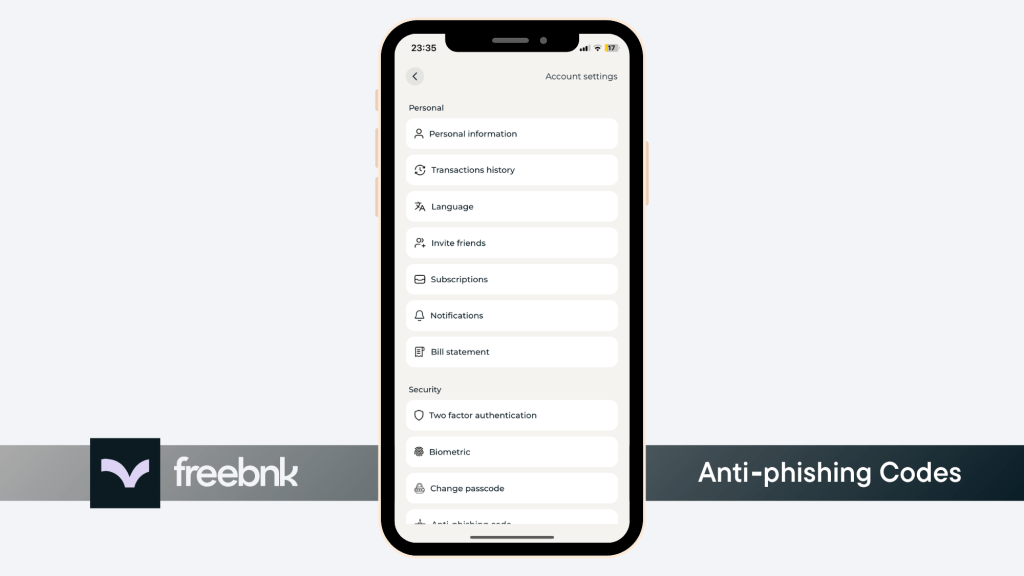
- 2. Scroll down and tap Anti-Phishing Code Under Security Section
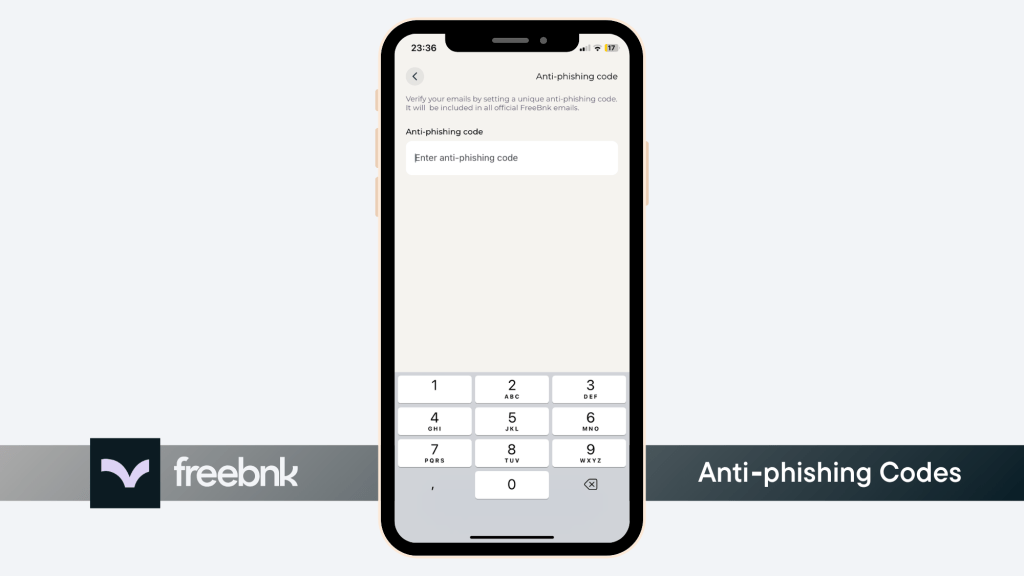
- 3. Enter your desired code and complete the setup by entering the confirmation code sent to your email.

Warning: The code sent to your email is not your anti-phishing code and doesn’t have to match it. It’s simply a one-time verification code to confirm the change you made in your settings.