


Table of Contents
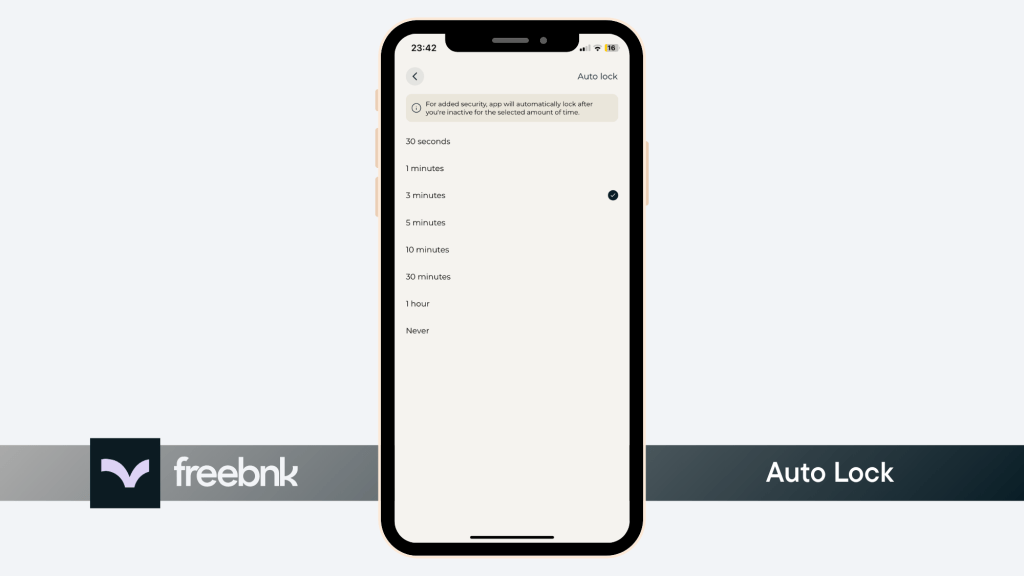
Auto-lock automatically locks your account after a period of inactivity, adding an extra layer of security.
Steps #
- 1. Tap your profile icon in the top-right corner of the home screen.
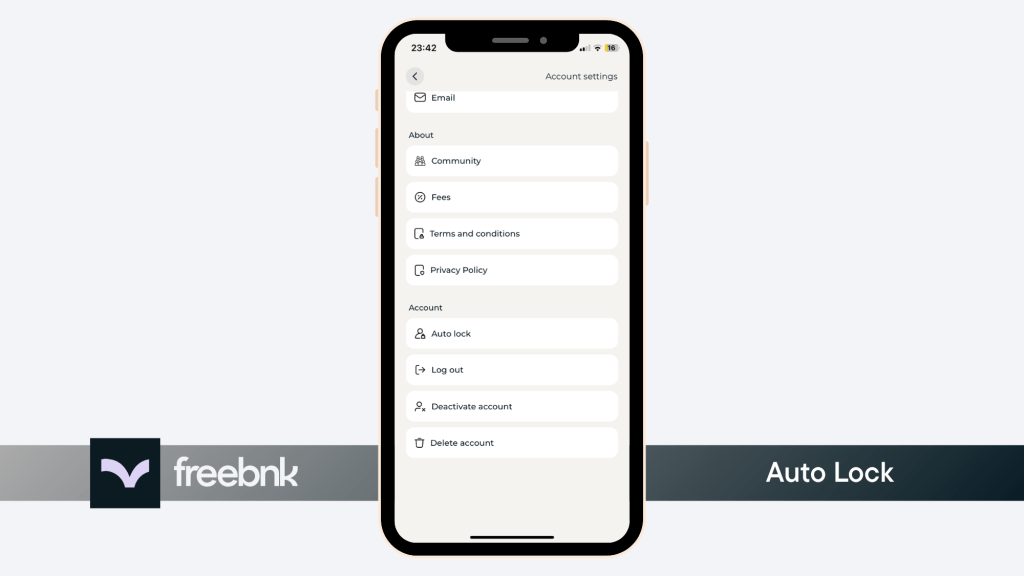
- 2. Scroll down and tap Auto Lock under Account Section.
- 3. You can set how long the app waits before requiring your password or biometric login again.

This setting is recommended to further increase your security.