


Table of Contents
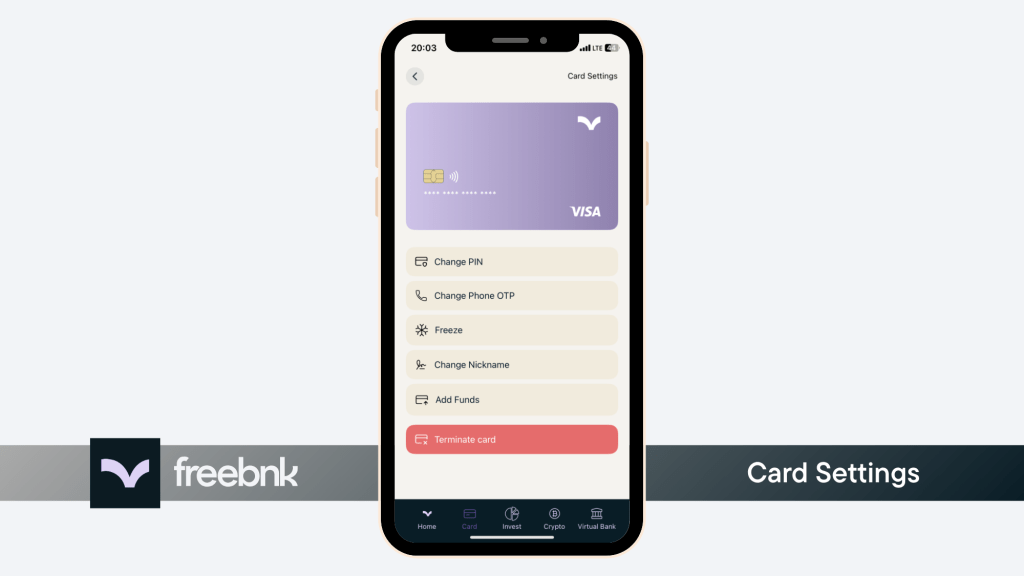
Your Freebnk card settings allow you to:
- Change your card PIN
- Update the phone number linked to your card
- Freeze your card
- Assign a nickname to your card
- Or even terminate the card completely
Steps to access these settings: #
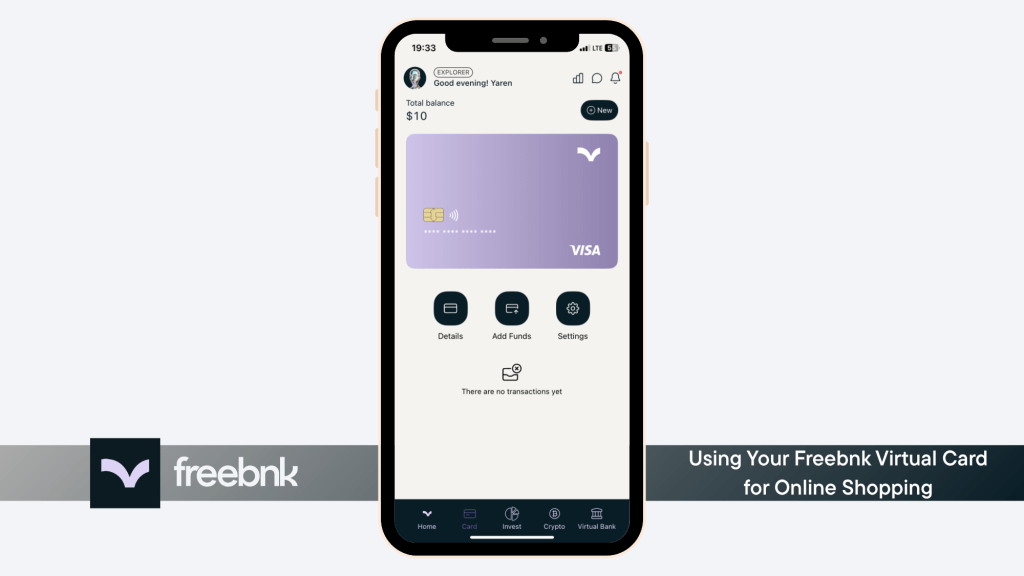
- 1. Go to the Card screen and. tap “Settings
- 2. You’ll now see all available card management options
⚠️ Warning: If you choose to terminate your card, any remaining balance on the card will be permanently lost and cannot be recovered. Be sure to spend the funds before terminating.