


Table of Contents
Ready to join the world of borderless finance, tokenized assets, and secure crypto tools? Here’s how you can create a account.
Steps #
- 1.Open the Freebnk app and tap on “Sign Up” to get started
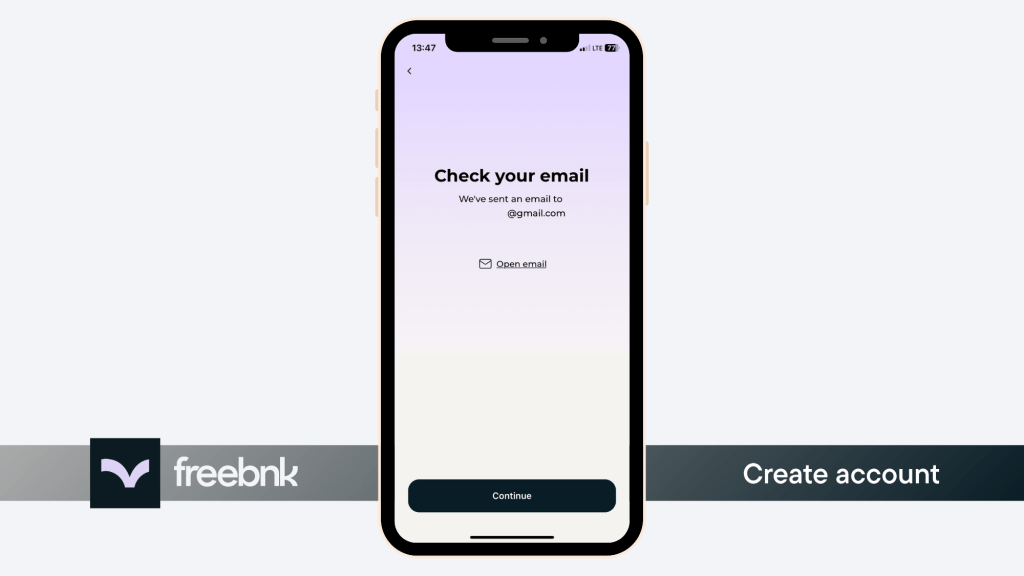
- 2.Enter your email address carefully and confirm it on the next screen.
- 3.Tap “Open Email” to access your inbox without leaving the app.
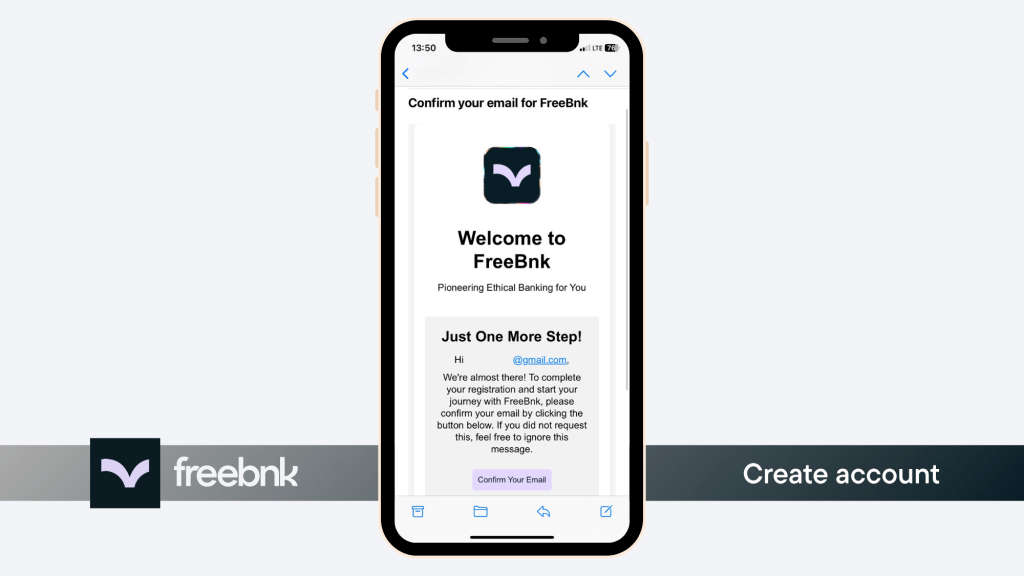
- 4.Find the email from Freebnk and tap “Confirm your email” to continue.
- 5.Set a strong password that’s secure and difficult to guess.
- 6.Enter your full legal name exactly as it appears on your official ID. This is required for identity verification later.
- 7.Add your date of birth. Make sure it’s correct because this information cannot be edited afterwards.
- 8.Review and accept the Terms and Conditions to proceed.
- 9.Your Freebnk account is now ready to use.




Note: To unlock all features, you’ll need to verify your identity (KYC). For more details about KYC: https://freebnk.io/help-center/verify-kyc/