


How to pay with Google Pay using a virtual Visa card
How to pay with Google Pay using a virtual Visa card
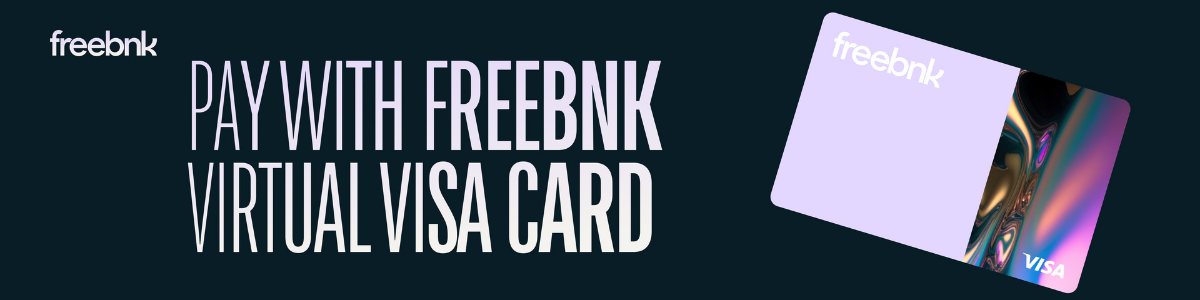
One of the easiest approaches to spend your digital money online or in stores if you use Google Pay is to add a virtual Visa card.
Whether your card is fiat-based or crypto-funded, it operates exactly like a physical card except it resides in your phone and is ready right away upon activation.
Once your virtual Visa card is issued, Freebnk allows you to link it to Google Pay and begin using Visa anywhere contactless payments are accepted.
Here’s how to do it:
First step: acquire your virtual Visa card.
Download the Freebnk app first then open your account. Once confirmed, you may directly create a virtual Visa card from the dashboard. The card is instantly available including your card number, expiration date, and CVV.
Second step: access the Google Pay app.
Open the Google Wallet or Google Pay app on your Android device then tap “Add a card.” Select to manually add a credit or debit card.
The third step is entering your virtual card information.
Google Pay should have the card number, expiration date, and CVV copied from your Freebnk app. The system will verify and confirm the specifics using the payment provider of Freebnk.
The fourth step is checking your card.
To finish the process you might get app-based confirmation or a security verification code. This stage guarantees a strong link between your card.
Step 5: Get going paying.
Once verified, Google Pay wallet will show your virtual Visa card. Just as with a physical card, you can now use it to shop online, make in-app purchases, tap and pay at stores with contactless terminals.
The virtual Visa card from Freebnk also supports crypto-to-fiat conversion.
So you may fund your balance using USDT, BTC, ETH, or fiat and immediately spend it with Google Pay. From the Freebnk app, you keep direct control over your card; freeze it, check your balance, or real-time switch currencies.
One of the fastest approaches to link your digital money to the actual world is here.
Neither a bank branch nor waiting for a plastic card. Your phone, your Freebnk card, and worldwide payment capability.
Contents
- One of the easiest approaches to spend your digital money online or in stores if you use Google Pay is to add a virtual Visa card.
- Once your virtual Visa card is issued, Freebnk allows you to link it to Google Pay and begin using Visa anywhere contactless payments are accepted.
- The virtual Visa card from Freebnk also supports crypto-to-fiat conversion.
- One of the fastest approaches to link your digital money to the actual world is here.

From Crypto to Infrastructure: The Silent Evolution of Stablecoins
There’s a quiet shift happening in finance and most people haven’t noticed it yet. Let’s explore what it means with Freebnk.
03.11.2025
How Startups and Remote Teams Simplify Global Payments with Freebnk Global Account?
Startups and remote teams can now manage global payments without borders. With Freebnk Global Account, send, receive, and convert funds across 70+ countries — all from one unified account.
21.10.2025

The “No Fee” Trap: Are Freelancer Platforms Really Free?
Manage your income smarter, faster, and with your team — using Freebnk Global Account
09.10.2025